This video explains how to securely access MSAI Connect, including login, multifactor authentication, logout best practices, and password recovery. A quick guide to keeping monitoring data protected while staying productive.
Video Transcript
0:00
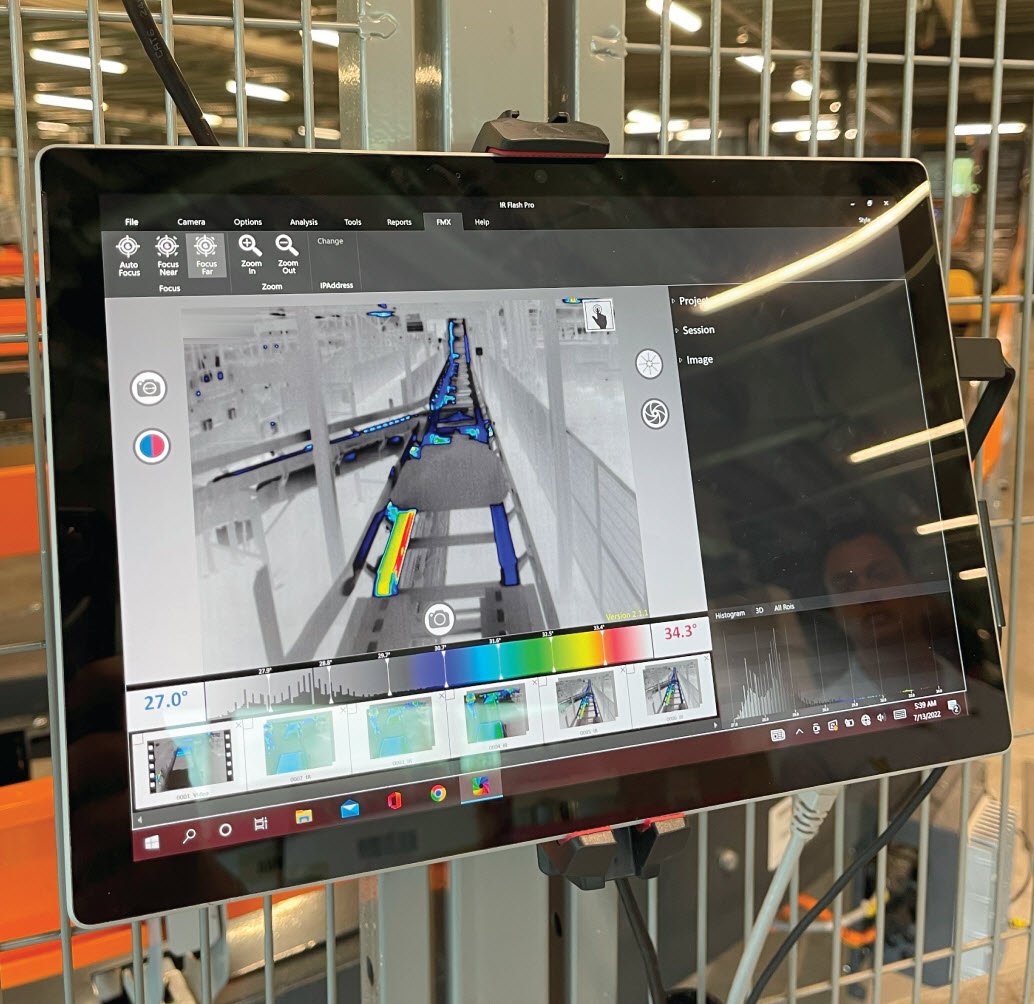
MSAI Connect utilizes thermal data captured in real time and artificial intelligence to streamline and enhance manufacturing and reliability operations.
0:08
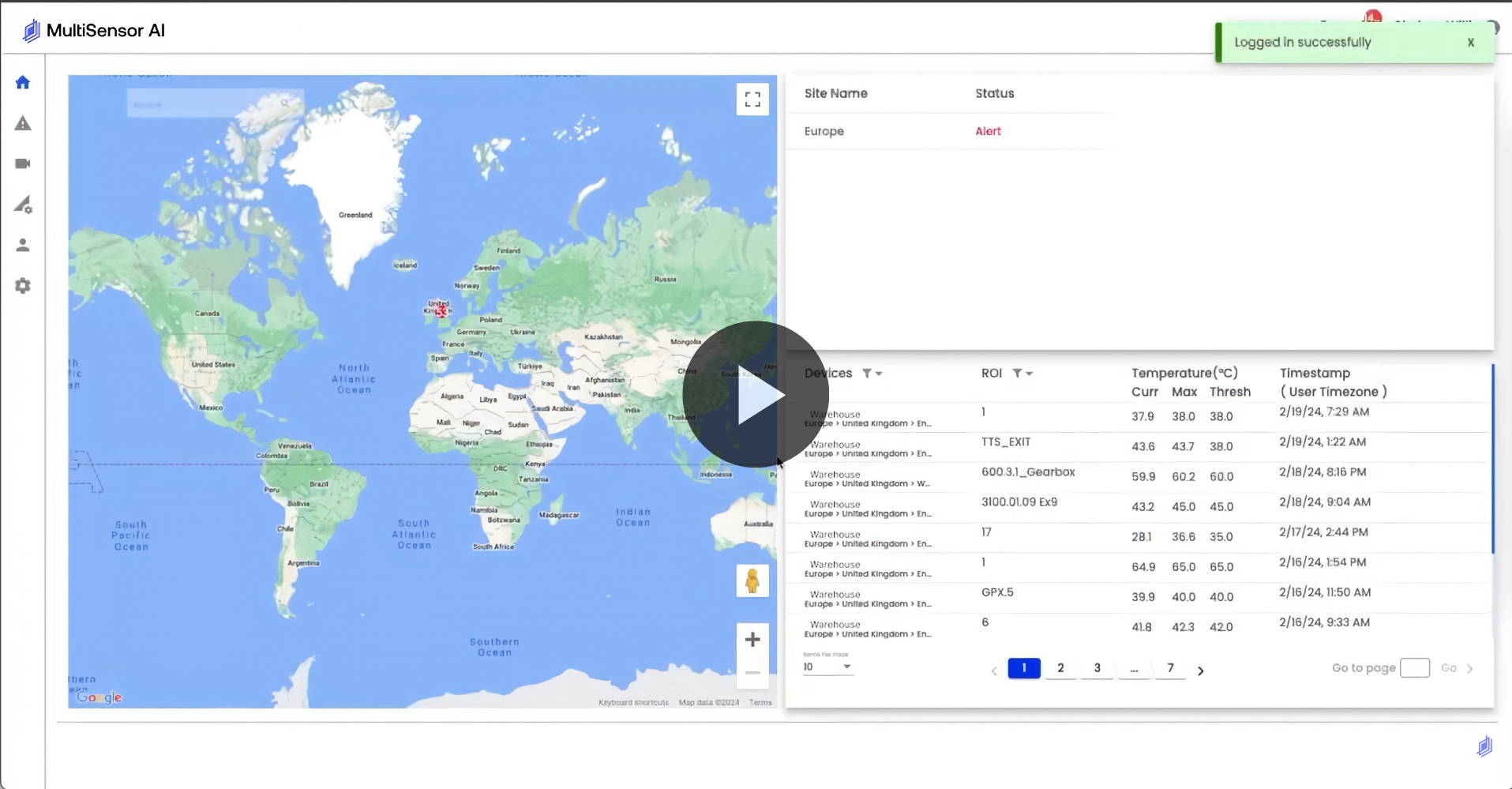
The MSAI Connect platform is accessed through an internet browser and users must log in before reviewing the status of critical equipment. Only registered employees may gain access to the system by visiting the appropriate web address. Enter the email address of the preferred account. Enter the password of the preferred account. Click login.
0:28
Multifactor authentication is enabled by default and the user will receive a six-digit verification code via email. Enter the code and click submit to confirm login. Once logged in, users may access the dashboard and adjust settings based on their account permissions.
0:43
To maintain security, log out of a session by clicking the profile icon, then clicking log out. If your password becomes lost or you wish to change it, click forgot password and enter the preferred email address.
0:56
Click change password to confirm password reset or click cancel to abort the process. A six-digit verification code will be emailed to the registered email address. Use the code to access the password reset screen. Enter a new password. You may then log in using the new password.
1:13
Thank you for viewing this instructional overview video for MSAI software application. Visit us at www.multisensorai.com.